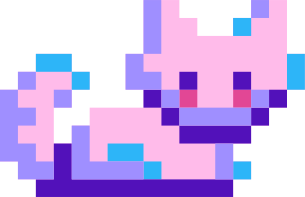


Pixel Art
Upload your pixel art
It’s motif magic – turn pixel art into easy, ready‑to‑stitch cross‑stitch patterns with DMC colours built in.
 Upload your pixel art and turn it into a pattern now!
Upload your pixel art
PixieStitch turns the pixel art into fully editable cross stitch charts.
Export your chart, gather your floss, and start stitching!
Create cross stitch motif patterns, edit and refine easily, and export print ready files for stitching.
These are patterns people have shared. Download a chart for free, or remix one into your own designs.
Loading favourites…
PixieStitch converts pixel art, photos, and sketches into cross-stitch patterns. Upload an image, adjust colours and grid size if you like, and export a pattern with DMC colour codes included.
We support common formats such as PNG, JPEG, and GIF. Pixel art works best when it is already low resolution or clearly pixelated, but we can also simplify larger images.
We map your image colours to the closest DMC embroidery floss colours. You can edit the palette in the Studio before exporting if you want to swap colours or reduce the number used.
Creating and remixing designs is free. You spend 1 credit the first time you export a design to PDF. Downloading that same PDF again is free. If you edit the design, the next export costs 1 credit. Other people can download gallery patterns for free. Starter credits are granted when you sign up. Paid plans include a monthly bucket that resets on renewal.


